From SSH to Syntax Highlighting
How PortSide's features actually came together, one round of feedback at a time.
Part 2 of 3 in Building PortSide: A Developer's Field Notes
How PortSide's features actually came together, one round of feedback at a time
The first five protocols
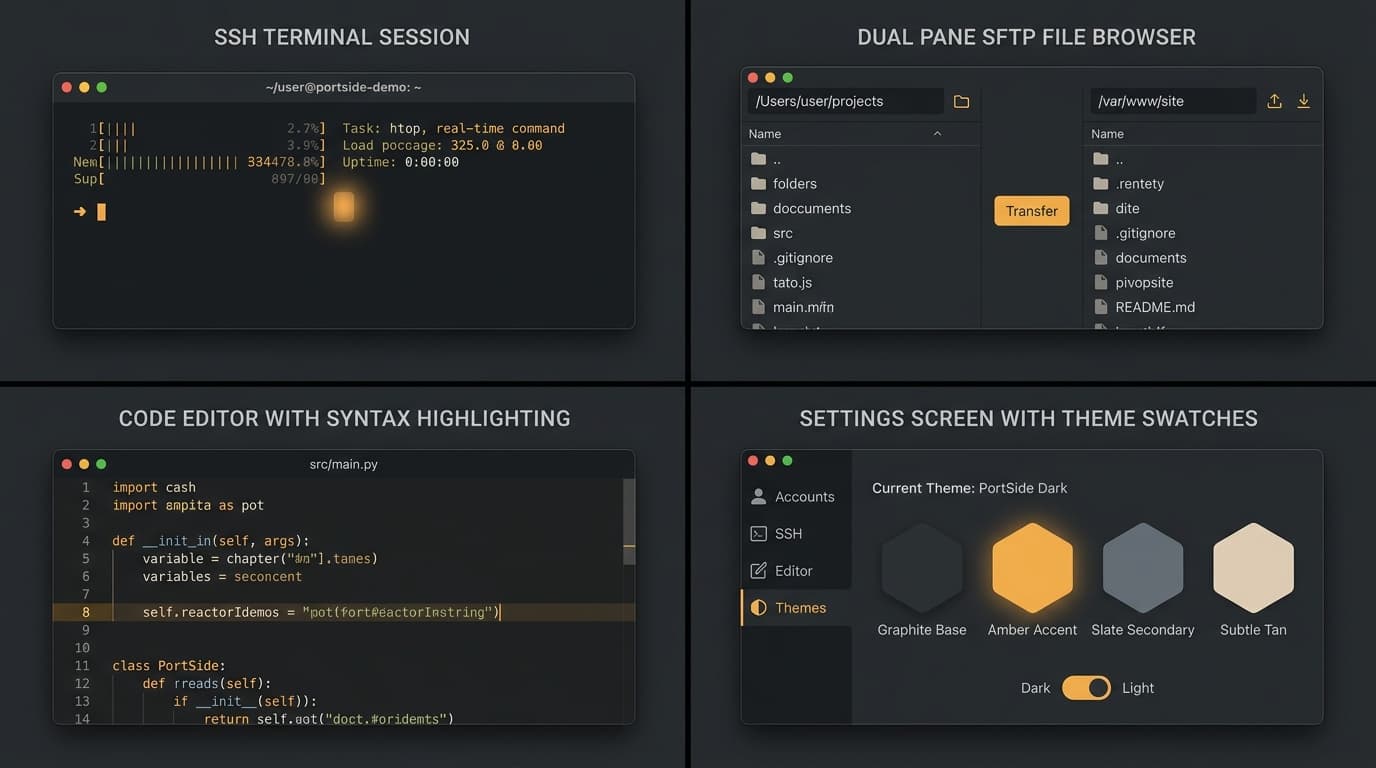
My earliest phases delivered exactly what the original plan called for: a local terminal shell with tabs and split panes, then real SSH and SFTP sessions built on Citadel, then Telnet over Apple's Network framework, then a serial console built on ORSSerialPort for USB to serial adapters and similar hardware. By the end of that stretch, all five original connection types, local, SSH, SFTP, Telnet, and serial, were genuinely working rather than stubbed out, which set the tone for how I judged the rest of the project: a feature only counted as done once it worked against a real protocol implementation, not once the interface for it looked finished.
Two supporting pillars followed closely behind: a local, Keychain backed vault for saved connections, and a full theming engine that let the terminal's background, font, cursor, and ANSI color palette be customized and previewed live. CloudKit sync came after that, encrypting each saved host client side with CryptoKit before it ever reached Apple's servers, so that a vault synced across my own Mac and iPad never exposed a plain text password anywhere along the way.
When real use started reshaping the plan
My original eleven phase plan assumed a fairly linear path, but once I actually started using PortSide for daily work, the feedback started arriving in a very different shape: a list of specific, concrete annoyances rather than abstract feature requests. Saved connections needed to be editable, not just creatable. A blank connection name should not block saving. A missing password should prompt me instead of failing silently with an unreadable error. Open tabs needed to be renamable. Each of these was small on its own, but together they marked a shift from building toward a plan to building in direct response to how the app actually behaved once I depended on it.
That pattern only deepened from there. A dedicated gap analysis against established competing terminal and SSH clients surfaced a further round of features: session logging to a file, real host key verification with a trust on first use model, local SSH port forwarding, remote pseudo terminal resize forwarding, and parameterized snippets that could prompt for a value before running. A second gap analysis round added certificate based authentication using OpenSSH signed certificates, two way drag and drop for SFTP transfers, and an expanded theming system with several built in presets alongside PortSide's own default look.
The features that grew past their original scope
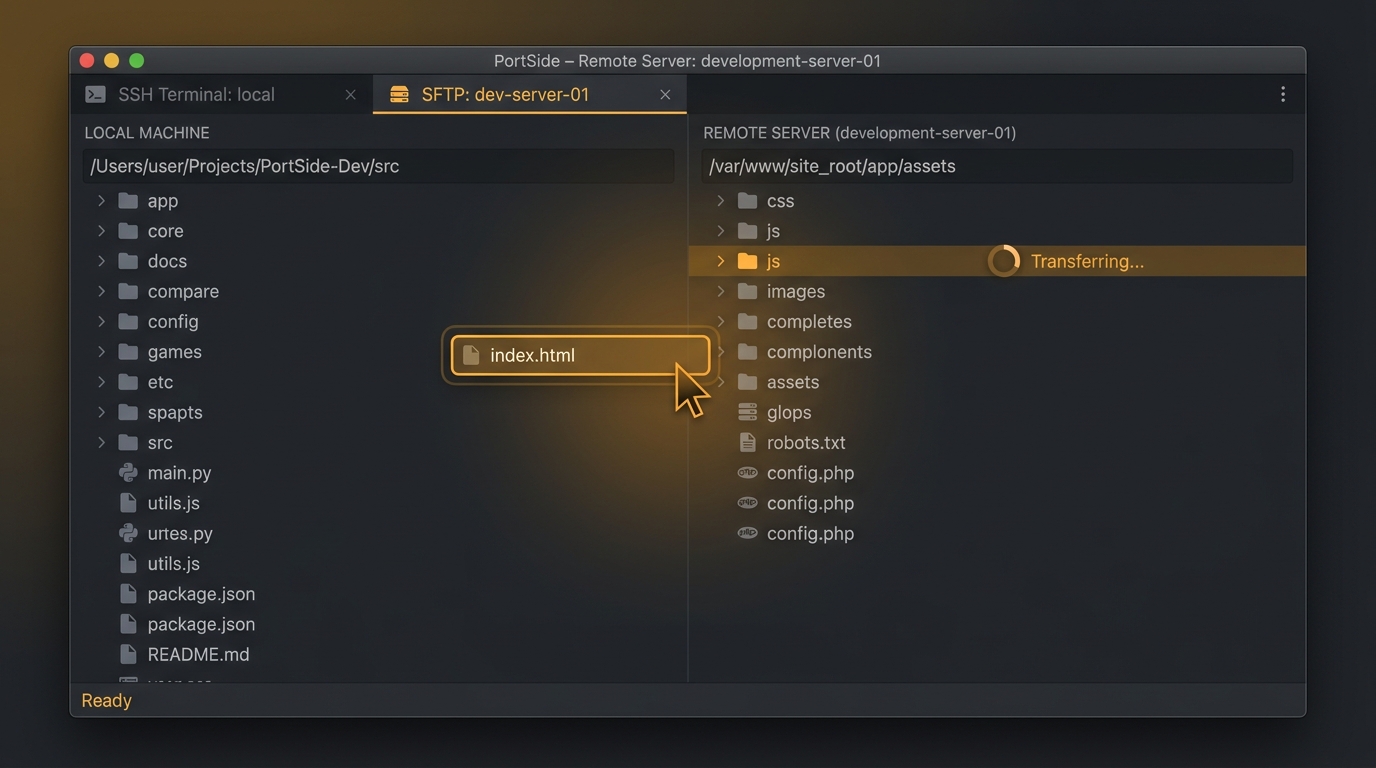
Some capabilities did not simply appear once and stay static. The SFTP browser is a good example: it began as a single pane sheet with basic upload and download buttons, and over several rounds became a full dual pane browser with two way drag and drop, right click rename, move, and delete actions, edit in place with automatic re upload on save, and eventually a real, byte level progress bar for transfers, so a large file moving between machines no longer looked like the app had simply frozen.
Window and tab management followed a similar arc. What started as a single main window with an optional split pane grew into support for horizontal, vertical, and four way pane layouts, then into the ability to drag a tab out of the window entirely to open it on its own, browser style, and finally into full multi tab detached windows with drag to merge, so a tab could move not just out of the main window but into any other already open window as well. I requested, built, and reviewed each of these steps as its own distinct round rather than attempting all of it at once, which kept each change small enough to actually verify.
The AI assistant followed the same trajectory from a single feature into a small platform of its own. It began as a single provider panel wrapping Anthropic's Claude for command explanations, then grew into a proper multi provider system supporting OpenAI and Gemini as well, each gated by its own API key exactly the way the original provider was, plus a command suggestion feature and a plan then approve mode for multi step tasks, where the model proposes a whole ordered sequence of commands up front for me to review, edit, and approve before anything actually runs against a live session.
The Code Editor: the newest major addition
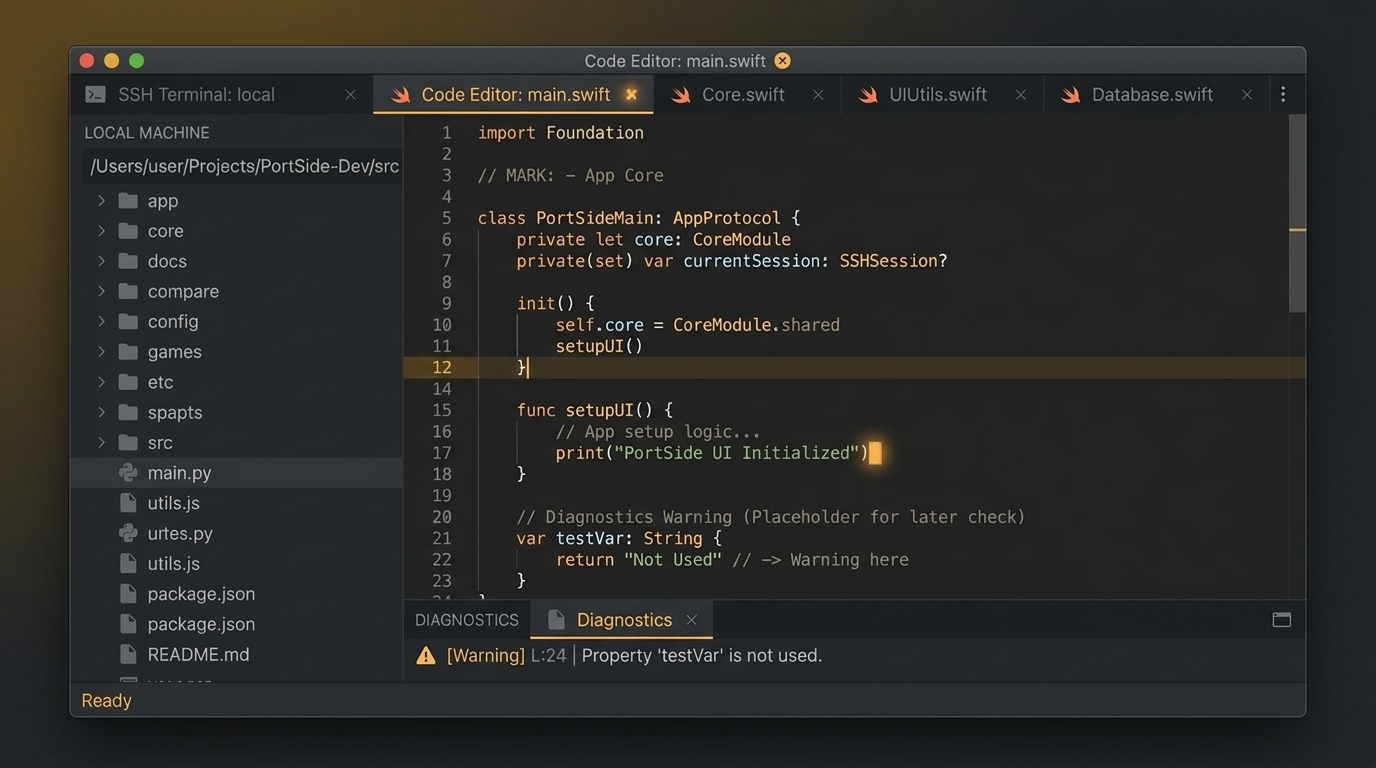
My most recent major expansion brought a real code editor directly into PortSide, opening as its own kind of tab alongside terminal sessions rather than as a separate application. Files can be opened locally or edited in place on a remote server, with language detection driving per file tab icons and real syntax highlighting powered by tree sitter grammars for languages including Swift, Python, JavaScript, TypeScript, HTML, CSS, YAML, and Markdown. A language server integration adds live diagnostics, and a Git aware source control view sits alongside the file browser in the same sidebar.
Getting syntax highlighting working at all took three separate attempts, each one fixing a real, previously hidden problem rather than papering over the symptom. My first attempt had the wrong assumption about how a dependency packaged its resource bundles. My second attempt targeted the correct bundle but was still missing the exact internal folder layout that syntax highlighting library expected. Only my third attempt, which patched the actual resource layout inside the built app as part of the build process itself, got every language highlighting correctly. It is a good example of a pattern that shows up again and again in this project: when something does not work, the fix that actually holds is the one built from a confirmed, specific cause, not the one that merely looked plausible.
Small features that mattered more than they looked
Not every addition was dramatic. A quick connect bar that parses a typed string like ssh username at hostname and opens a session immediately, without requiring a saved host profile first, removed real day to day friction. The ability to connect to an already saved host through a different protocol, without creating a second, duplicate connection entry, solved a specific annoyance that only shows up once I actually maintain a list of servers I reach in more than one way. Bonjour based network discovery, letting SSH and Telnet services on the local network surface automatically in the sidebar, and a regex based trigger engine that can watch session output and surface a note in the AI panel or fire a system notification, both came out of the same gap analysis process rather than being planned from the start.
What ties all of these together, from the earliest protocol work to the newest editor features, is that almost none of it was invented speculatively. Nearly every feature traces back to either my original staged plan, a specific competitor gap analysis, or a concrete piece of feedback from actually using the app. The next post in this series looks at the process that made it possible to keep adding features this quickly without the codebase quietly rotting underneath them: the bug and security checks, the verification discipline, and the project management habits that ran underneath every single round of work.
Coming up next: Bug Checks, Security Reviews, and Honest Logs
Building PortSide: A Developer's Field Notes
- 1.The Idea Behind PortSide
- 2.From SSH to Syntax Highlighting (you are here)
- 3.Bug Checks, Security Reviews, and Honest Logs
Related posts
Comments
No comments yet. Be the first.